spillway
nabeeladzan/spillway
Spillway
Spillway is a local-first chat app for working with large language models. Your chats, projects, and memory stay on your device while you connect to your preferred AI providers.
Open source
Spillway is open source and licensed under the Apache License 2.0 (commercial use allowed).
- License: LICENSE
- Notices: NOTICE
- Contributing: CONTRIBUTING.md
- Code of Conduct: CODE_OF_CONDUCT.md
- Security policy / vulnerability reporting: SECURITY.md
Screenshots
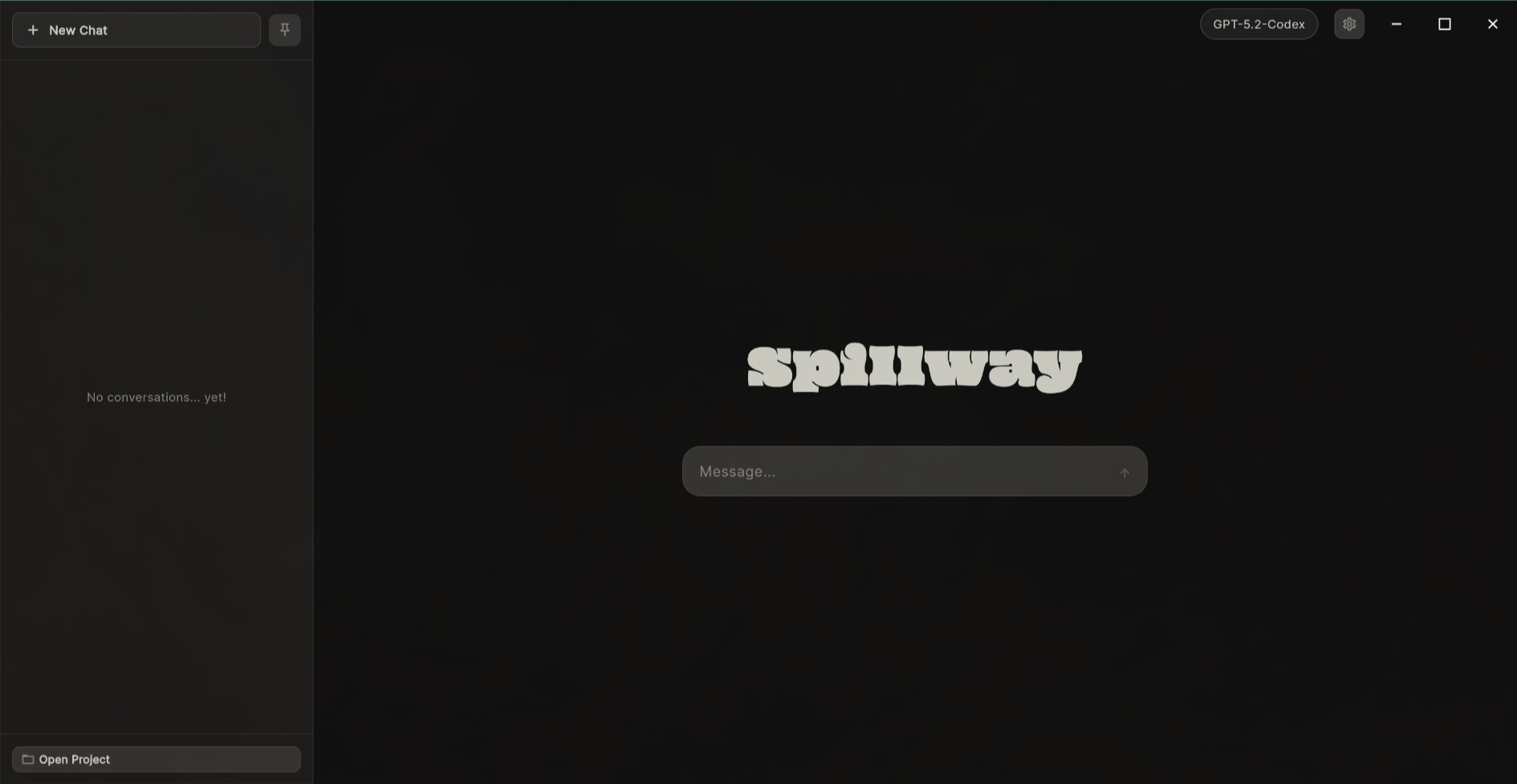
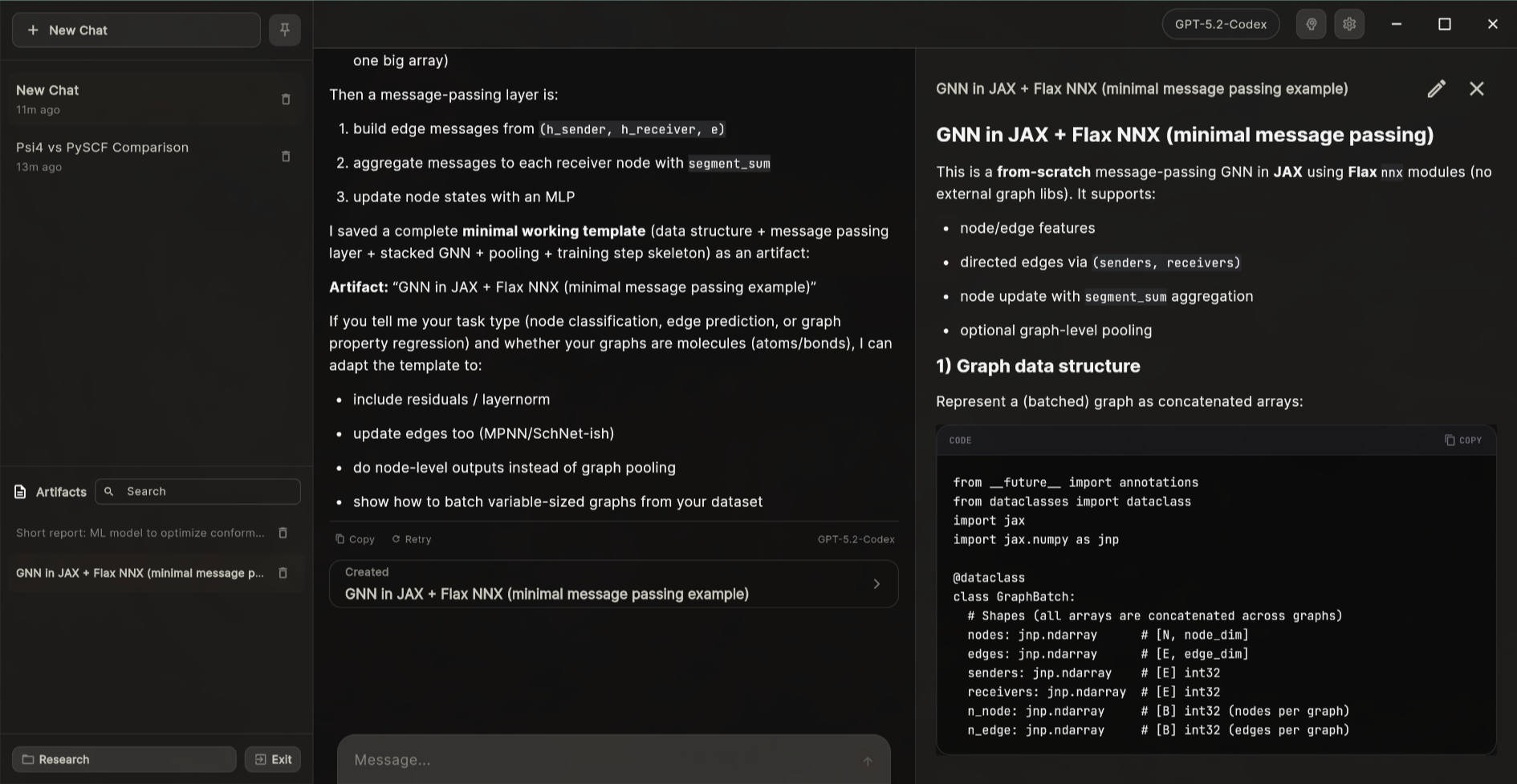
What you can do
- Chat locally with your own API keys.
- Switch models anytime.
- Organize work into projects with project instructions, chat history, and artifacts.
- Create markdown artifacts alongside conversations.
- Use MCP tools to extend the assistant with external capabilities.
- Build memory from past chats using on-device embeddings.
Get started
Download the latest release from https://github.com/nabeeladzan/spillway/releases/latest.
If you want to build from source, see DEVELOP.md.
Projects
Projects group chats, instructions, artifacts, and memory into focused workspaces. Use the project switcher in the sidebar to open, leave, or manage projects.
Context engineering
Spillway builds a strong context window automatically by combining:
- Your global system prompt (optional).
- Project instructions for the active project.
- Provider- and model-specific prompts.
- Enabled MCP server prompts.
- Relevant project memory snippets.
This keeps responses aligned to your goals without manual copy/paste between chats.
Configure your providers
- Open Settings → Providers.
- Add a provider (OpenAI, Anthropic, or compatible).
- Add one or more models.
You can also set optional system prompts for providers and models.
Choose default and background models
In Settings → General you can:
- Set a Default Model for new chats.
- Set a Background Model used for titles and memory extraction.
Long-press the background model to reset it to “Active Chat Model.”
Connect MCP tools
In Settings → MCP you can add MCP servers using JSON configuration (STDIO or HTTP). Enable servers to expose tools to the chat assistant.
Example config formats:
// STDIO
{"command": "npx", "args": ["-y", "@mcp/server"], "env": {"API_KEY": "..."}}

// HTTP
{"url": "https://mcp.example.com", "headers": {"Authorization": "Bearer ..."}}
Memory
Spillway extracts durable project memory using on-device embeddings. The embedding model assets ship with the app, so no extra setup is required.
Privacy
Spillway is local-first: chats, projects, artifacts, and memory are stored on your device. API keys are stored locally and used only to call your configured providers.
Developer documentation
- Developer setup and technical details: DEVELOP.md
- System architecture overview: ARCHITECTURE.md
- Contributing guide: CONTRIBUTING.md
- Security policy: SECURITY.md
Contributing
Contributions are welcome — see CONTRIBUTING.md for setup, codegen, testing, and PR guidelines.
License
Apache License 2.0 — see LICENSE. Third-party notices (if any): NOTICE.
Security
If you find a security or privacy issue (especially anything involving credentials/API keys), please do not file a public issue. See SECURITY.md for the reporting process.